
How to Compare Move-In and Move-Out Photos

Start by finding the same surface in both records. Then describe what you can actually see, what the photos leave uncertain, and what you need to check next. A move-out photo can show a mark clearly without telling you whether that mark was there at move-in.
The hard part is usually the comparison: a different angle, a box in front of a cabinet, or a missing earlier view. These three fictional examples show how to write a useful comparison without filling those gaps with assumptions. All scenes below are illustrations, not photographs or evidence from a real tenancy.
Match the surface before judging the difference
Check the property, unit, inspection dates, room, and exact item first. Two files named “Kitchen” may show different counters. Use fixed features such as the sink, cabinet divisions, or window to locate the same area. Keep the original images available while you compare them; a close crop can hide the feature that tells you where you are looking.
HUD’s description of a move-in/move-out inspection form explains recording each room’s condition at move-in and again at move-out. That description is not a rule for deciding what any photo proves or who must pay for a change.
A comparable pair shows a visible difference
Move-in record
Move-out record
Here, both views show the front counter edge to the left of the sink. The earlier view shows a continuous edge at that spot; the later view shows a chip. That supports a statement about a visible difference between the two records. It does not establish what caused the chip or who is responsible for it.
Kitchen, counter edge left of sink: the move-in view shows a continuous edge at this location. A chip is visible in the move-out view. Cause is not established by these images. Review the inspection notes and any intervening reports before deciding the next action.
In a real record, include the inspection dates and the references for the two images. If lighting or resolution makes the earlier edge hard to read, qualify the note instead of treating it as a clean baseline. Shadows, reflections, and a closer camera position can change how noticeable a feature looks.
An obstructed view leaves the starting condition uncertain
Move-in record
Move-out record
This is the same cabinet in both illustrations, but the relevant part of the door is covered at move-in. You can describe the later mark. You cannot use this pair alone to say the door was unmarked before the tenancy. A view from the other side of the room may have the same limitation even without an obvious obstruction.
Kitchen, left cabinet door: a mark is visible on the lower part of the door at move-out. A box obscures that area in the move-in image, so this pair does not establish its starting condition. Look for another move-in view and the room notes.
Look through the wider room images before concluding the evidence is missing. Another view may show the area, but check its detail at the original size. If it still cannot answer the question, leave that limitation in the report. Do not turn “not visible” into “not present.”
A missing earlier photo is a gap, not a before view
Move-in record
Move-out record
If the move-in record has no image of the relevant wall, do not pair the move-out photo with an unrelated wall or a blank surface from another room. Show the current condition and state that the earlier photographic comparison is unavailable.
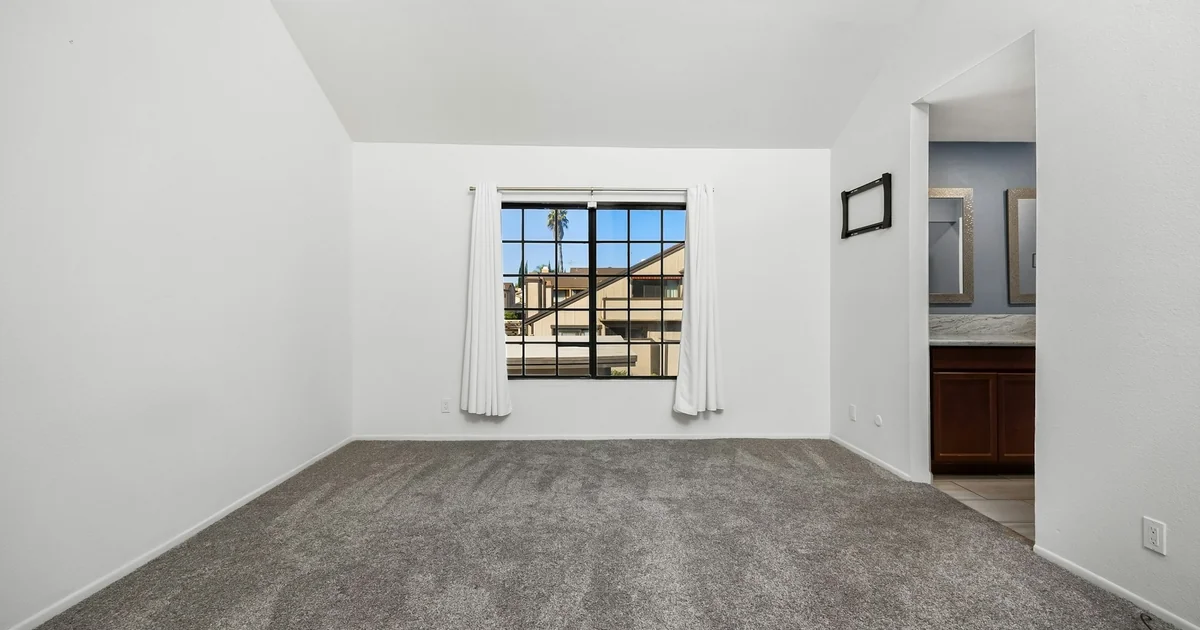
Bedroom, wall to the right of the window: two marks are visible in the move-out image. No move-in image of this surface was found in the records reviewed. Starting condition remains unconfirmed. Check the move-in notes and ask whether either party has a dated image of this area.
If another image arrives later, keep its source and stated date with it. Review whether it shows the same surface and fits the inspection history before adding it to the comparison. An earlier written note can also be useful, but identify it as a note rather than describing it as something visible in a photo.
Write the observation, limit, and next step together
A useful comparison note lets someone else follow your reasoning without guessing. Name the location and records, describe the visible condition, say what is uncertain, and give the next action. Avoid a bare label such as “new damage” when the pair only shows a current mark and an obstructed earlier view.
Use the rental inspection report template to place that note alongside the image references and follow-up. Deciding whether a change is normal wear or damage requires more context than the visual comparison, including age, use, maintenance history, and the applicable rules. A visible difference alone is not permission to charge a tenant.
Review the pair and preserve it in FieldSeen
FieldSeen’s side-by-side inspection comparison brings recorded room conditions, notes, and photos together. It requires Professional, an internet connection, and two completed inspections for the same property and unit, or two property-wide inspections for the same property.
Review the room pairing before interpreting a difference. A matching room name helps organize the review, but you still need to check that the photos show the same item. A changed condition rating is not an automatic finding of damage, and an unchanged rating does not establish that every surface stayed the same. The comparison does not determine cause or responsibility.
Once you have checked the pairing, you can create and save a comparison PDF with the property and download it after the report is saved. Keep unresolved gaps clear in your accompanying explanation. The useful outcome is a record another person can review: here is the same location, here is the visible difference, and here is what we still need to establish.